
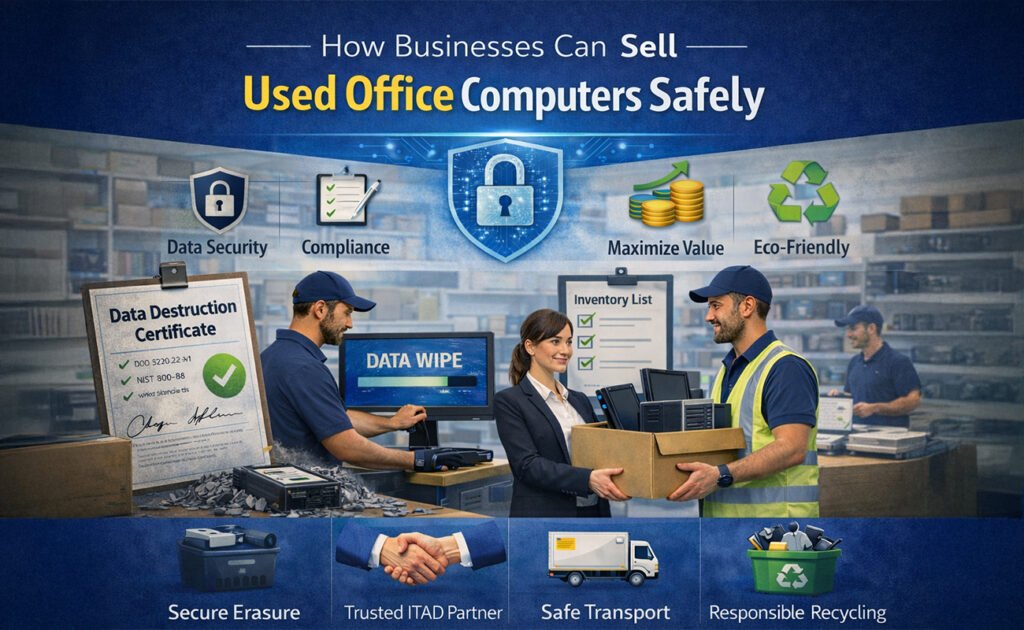
As businesses upgrade their IT infrastructure, used office computers often pile up—desktops, laptops, workstations, and servers that are no longer needed. While these devices may seem obsolete, they still hold significant resale value. However, selling used office computers isn’t as simple as handing them off to a buyer.
Without the right process, companies risk data breaches, compliance violations, and reputational damage. This guide explains how businesses can sell used office computers safely, securely, and responsibly—while maximizing value and staying compliant with data protection regulations.
Why Selling Used Office Computers Matters
Selling used computers isn’t just about freeing up storage space. It brings several strategic benefits:

-
💰 Recover value from old IT assets
-
🔐 Protect sensitive business data
-
🌱 Support sustainability and e-waste reduction
-
📜 Maintain compliance with data protection laws
-
📦 Simplify IT asset management
Done correctly, IT asset resale becomes a smart business decision—not a risk.
Step 1: Create an Inventory of IT Assets
Before selling anything, businesses should audit and document all used computers.
What to include in your inventory:
-
Device type (desktop, laptop, server)
-
Brand and model
-
Serial numbers
-
Storage type and capacity
-
Physical condition
-
Purchase date and age
This inventory helps with valuation, tracking, and compliance—and ensures nothing slips through the cracks.
Step 2: Securely Back Up Business Data
Before data removal, confirm that all critical files have been safely backed up.
Best practices:
-
Use encrypted cloud storage or secure internal servers
-
Verify backups before proceeding
-
Remove user access once data is secured
Skipping this step could result in permanent data loss.
Step 3: Perform Certified Data Erasure (Most Critical Step)
Simply deleting files or formatting a hard drive is not enough. Data can still be recovered using forensic tools.
Safe data destruction methods:
-
Certified data wiping software (DoD 5220.22-M, NIST 800-88 standards)
-
Full disks overwrite (multiple passes)
-
Cryptographic erasure for SSDs
Businesses should always request a Data Destruction Certificate as proof that data has been permanently erased.
🔐 This step protects:
-
Client information
-
Employee records
-
Financial data
-
Intellectual property
Step 4: Decide Between Data Wiping or Physical Destruction
Not all devices are worth reselling.
When to wipe data:
-
Devices in good working condition
-
Systems with resale or reuse value
When to destroy storage media:
-
Failed or damaged hard drives
-
Highly sensitive data devices
-
Non-functional equipment
Physical destruction methods include shredding or crushing drives—ensuring zero chance of data recovery.
Step 5: Ensure Compliance with Data Protection Laws
Businesses must follow local and international regulations when disposing of IT assets.
Common regulations include:
-
GDPR (EU)
-
ISO 27001
-
HIPAA (healthcare)
-
Local data protection laws
Failure to comply can result in:
-
Heavy fines
-
Legal consequences
-
Loss of customer trust
Always work with vendors who understand compliance requirements.
Step 6: Choose a Trusted IT Asset Disposal (ITAD) Partner
The safest way to sell used office computers is through a professional ITAD or electronics buyback company.
What to look for in a trusted partner:
-
Secure data erasure with certification
-
Transparent pricing
-
Chain-of-custody documentation
-
Environmental compliance
-
Fast and documented payment
Avoid informal buyers or online marketplaces for business devices—they often lack proper security controls.
Step 7: Evaluate and Maximize Resale Value
To get the best return:
-
Clean devices and remove stickers
-
Bundle similar systems
-
Include power supplies and accessories
-
Provide accurate condition reports
Businesses can sell:
-
Individually (higher effort, higher return)
-
In bulk (faster, more efficient)
Professional buyers often offer free evaluation and fair market pricing.
Step 8: Secure Logistics and Device Transportation
Transportation is a commonly overlooked risk.
Best practices:
-
Use tracked and insured shipping
-
Seal devices in tamper-proof packaging
-
Maintain signed transfer records
A documented chain of custody ensures accountability from pickup to final processing.
Step 9: Get Proper Documentation
Always collect and store:
-
Data destruction certificates
-
Asset transfer reports
-
Recycling or resale confirmation
-
Payment records
These documents protect your business during audits or compliance reviews.
Step 10: Recycle Responsibly If Devices Can’t Be Sold
Not all computers can be resold. In that case, responsible recycling is the only safe option.
Choose recyclers who:
-
Follow environmental regulations
-
Prevent landfill dumping
-
Recover reusable materials
-
Provide recycling certificates
This supports sustainability and corporate social responsibility (CSR) goals.
Common Mistakes Businesses Should Avoid
🚫 Selling devices without data wiping
🚫 Using unverified buyers
🚫 Throwing computers in regular trash
🚫 Losing track of serial numbers
🚫 Skipping compliance documentation
One mistake can lead to massive consequences.
Benefits of a Secure IT Asset Disposal Strategy
When done right, selling used office computers offers:
-
Strong data security
-
Legal and regulatory compliance
-
Financial recovery
-
Reduced environmental impact
-
Improved IT lifecycle management
It’s not just disposal—it’s smart asset recovery.
Final Thoughts
Selling used office computers safely is no longer optional—it’s a business necessity. With increasing data privacy laws and rising cyber risks, companies must adopt a structured, secure, and compliant approach.
By inventorying assets, erasing data properly, working with trusted partners, and documenting every step, businesses can turn old IT equipment into value—without compromising security or reputation.
If your business operates in the UAE, you can also check our step-by-step guide on how to sell used desktop computers in Dubai & Sharjah, which explains the local process, compliance requirements, and best resale options.